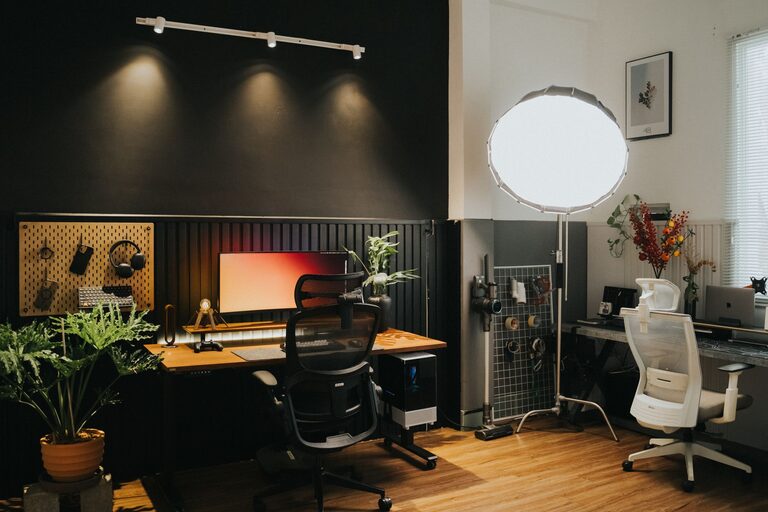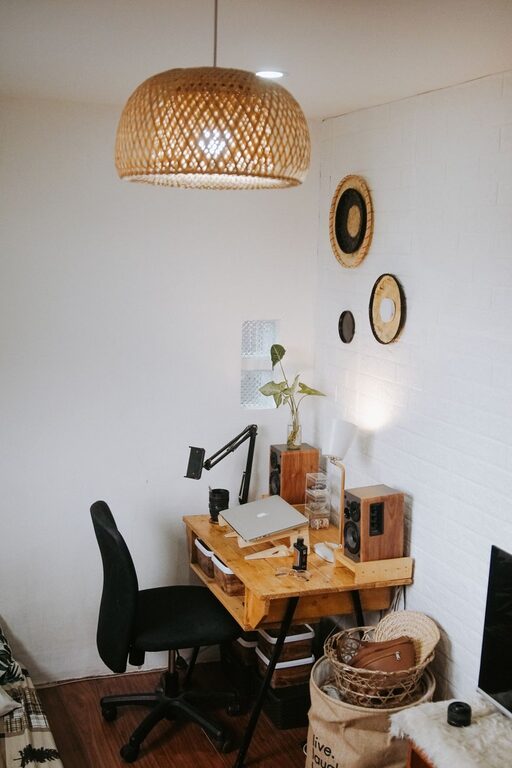






Creating a home office that feels both cozy and productive can make a significant difference in your daily work routine. Whether you work from home full-time, occasionally, or just need a dedicated space for focused tasks, having a well-designed workspace is key to staying motivated and efficient. This guide will walk you through practical tips to help you create a home office that supports your work and offers a welcoming atmosphere.
Why a Cozy and Productive Home Office Matters
Your home office is more than just a place to sit and work. It can influence your mood, creativity, and overall productivity. A cozy environment helps reduce stress, while an organized and ergonomic setup keeps you focused and comfortable during long hours.
Choosing the Right Location
Consider Natural Light
Selecting a spot with plenty of natural light can boost your mood and energy levels. Position your desk near a window to take advantage of daylight, but be mindful of potential glare on your computer screen. If natural light is limited, invest in good quality lighting.
Minimize Distractions
Pick a quiet corner of your home where you’re less likely to be interrupted. This will help you maintain concentration and create a boundary between your work and personal life.
Essential Furniture and Equipment
Invest in an Ergonomic Chair
A supportive chair is crucial for your physical health. Look for one with adjustable height, lumbar support, and comfortable padding. This can reduce back pain and keep you comfortable for longer periods.
Choose a Functional Desk
Your desk should have enough surface area for all your work essentials without feeling cluttered. Consider desks with built-in storage or add small organizers to keep essentials within reach.
Use a Proper Monitor Setup
If you work on a laptop, consider using a monitor stand or an external monitor. The top of the screen should be at or slightly below eye level to prevent neck strain.
Organizing Your Workspace
Keep it Simple
Clutter can easily become distracting. Keep your workspace tidy by only having the things you need regularly within arm’s reach. Close drawers or use boxes to store items you don’t use every day.
Effective Use of Storage
Shelves, filing cabinets, and desk organizers help keep your documents and supplies sorted. Label folders and bins to quickly find what you need, saving you time and frustration.
Digital Organization
Besides physical tidiness, organize your digital files and emails regularly. This can help streamline your workflow and prevent digital clutter.
Adding Comfort and Personal Touches
Use Soft Textures and Warm Colors
Placing a small rug, cushions, or blankets can make your office feel more inviting. Choose colors that motivate or soothe you, such as soft blues, greens, or neutrals.
Incorporate Plants
Indoor plants add life to a space and can improve air quality. Low-maintenance plants like succulents or pothos are perfect for busy professionals.
Include Personal Items
Photos, artwork, or meaningful objects can make the space uniquely yours. Just avoid overcrowding to maintain a professional environment.
Maintaining Productivity
Set a Routine
Having a regular schedule helps establish boundaries between work and personal time. Set clear working hours and try to stick to them.
Take Breaks
Short breaks prevent burnout and maintain focus. Use a timer or an app to remind you to stand, stretch, or walk a little every hour.
Minimize Noise
If you can’t control surrounding noise, consider noise-cancelling headphones or white noise machines to help concentrate.
Use Technology Wisely
Leverage productivity apps, calendar reminders, and time-tracking tools to stay on top of tasks without getting overwhelmed.
Final Thoughts
Creating a cozy and productive home office is about balancing comfort with function. By paying attention to lighting, furniture, organization, and personal touches, you’ll set yourself up for a more enjoyable and efficient workday. Remember, your workspace should reflect your needs and style, helping you feel motivated and relaxed every time you sit down to work.